

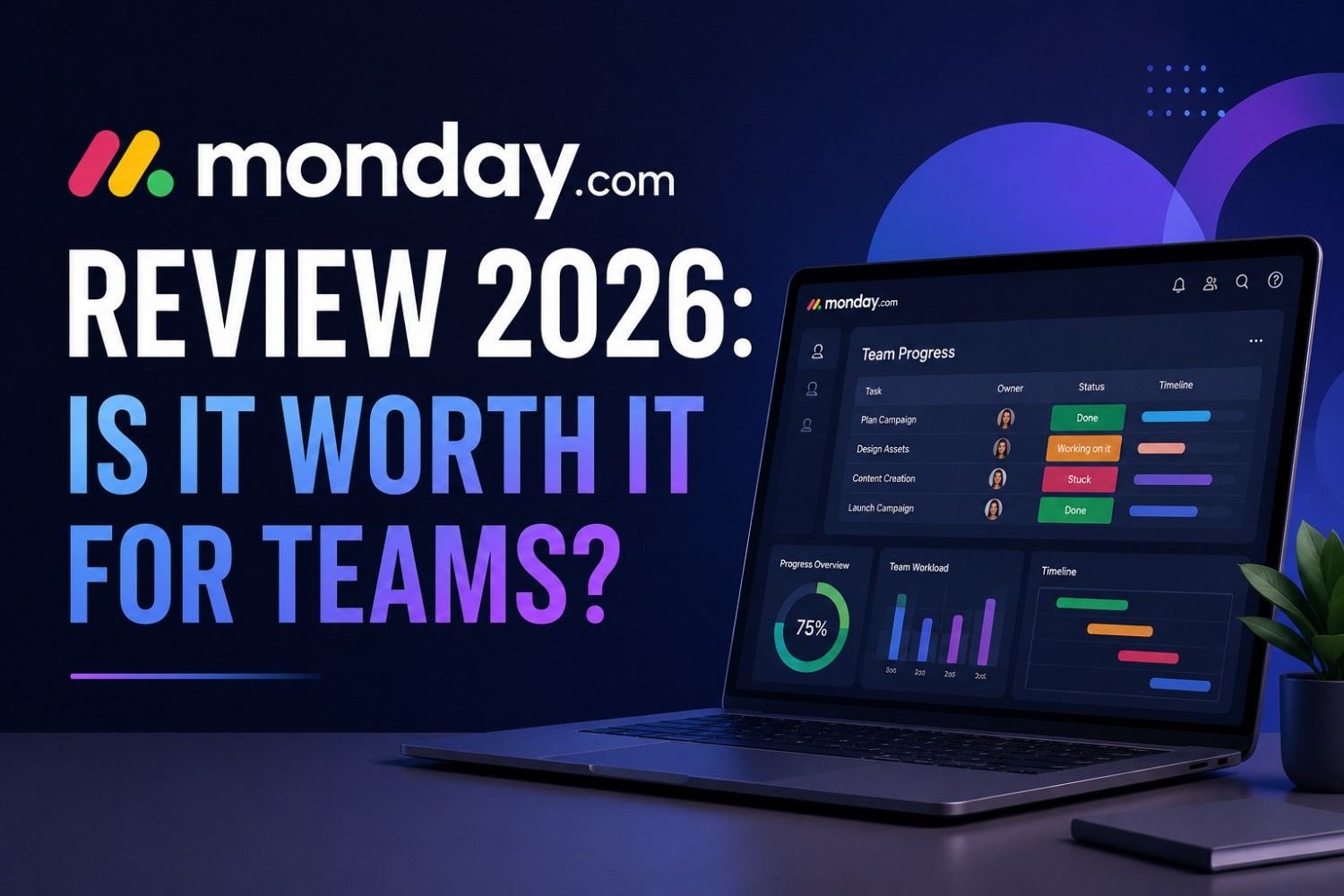
Project management has become more important than ever as businesses embrace remote work, cross-functional collaboration, and increasingly complex workflows. Choosing the right platform can significantly improve productivity, communication, and project visibility.
Among the many project management tools available today, monday.com continues to stand out as one of the most popular choices for businesses of all sizes. But is it the right solution for your team in 2026?
In this in-depth review, we’ll examine monday.com’s features, pricing, ease of use, pros and cons, and how it compares to other leading project management platforms.
What Is monday.com?
monday.com is a cloud-based work operating system (Work OS) that helps teams plan, organize, track, and automate their work. It enables businesses to manage projects, tasks, workflows, customer relationships, marketing campaigns, product development, and much more from a single platform.
Whether you’re a startup, marketing agency, IT team, HR department, or enterprise organization, monday.com offers customizable tools designed to streamline collaboration and improve productivity.
Key Features
1. Easy-to-Use Interface
One of monday.com’s biggest strengths is its modern and intuitive interface.
Instead of overwhelming users with complicated menus, it provides colorful boards, drag-and-drop functionality, and customizable columns that make project management easy for beginners and experienced users alike.
2. Multiple Project Views
Different teams prefer different ways of managing work.
monday.com offers several project views, including:
- Kanban Board
- Timeline (Gantt)
- Calendar
- Table View
- Workload View
- Chart View
- Map View
This flexibility allows every department to visualize projects in the way that works best for them.
3. Workflow Automation
Automation is one of monday.com’s most valuable features.
You can automate repetitive tasks such as:
- Assigning team members
- Sending notifications
- Updating project status
- Creating recurring tasks
- Moving items between boards
- Deadline reminders
These automations reduce manual work and improve efficiency.
4. Collaboration Tools
Teams can collaborate directly inside each task by:
- Leaving comments
- Mentioning teammates
- Sharing files
- Attaching documents
- Tracking activity history
This keeps all project communication organized in one place.
5. Dashboards & Reporting
Managers can create custom dashboards to monitor:
- Project progress
- Team workload
- Budget tracking
- Deadlines
- Productivity
- KPIs
Real-time reporting helps teams make informed decisions and identify bottlenecks quickly.
6. Integrations
monday.com integrates with hundreds of popular business tools, including:
- Slack
- Microsoft Teams
- Google Workspace
- Microsoft Outlook
- Zoom
- Dropbox
- Google Drive
- Jira
- GitHub
- Salesforce
- HubSpot
- Zapier
These integrations help centralize workflows and reduce context switching.
7. Mobile Apps
The iOS and Android apps allow users to:
- Update tasks
- Receive notifications
- Collaborate with teammates
- View project timelines
- Manage work while traveling
The mobile experience is smooth and responsive for most everyday tasks.
Pricing Overview
monday.com offers several pricing plans designed for different team sizes and business needs.
Common plan options include:
- Free
- Basic
- Standard
- Pro
- Enterprise
Higher-tier plans unlock advanced features such as automation, integrations, dashboards, workload management, and enterprise-level security.
Since pricing may change over time, it’s best to review the latest plans directly on the official monday.com website before making a decision.
Who Should Use monday.com?
monday.com works well for:
- Small businesses
- Startups
- Marketing teams
- HR departments
- Sales teams
- Software development teams
- Creative agencies
- Operations teams
- Remote teams
- Enterprise organizations
Its flexibility allows organizations to customize workflows for almost any business process.
Advantages
Easy to Learn
The interface is beginner-friendly and requires minimal training.
Highly Customizable
Nearly every board, workflow, automation, and dashboard can be tailored to your team’s needs.
Excellent Collaboration
Built-in communication tools reduce the need for lengthy email chains.
Powerful Automation
Automating repetitive tasks saves time and minimizes human error.
Great Reporting
Dashboards provide valuable insights into project health and team performance.
Large Integration Library
Connecting monday.com with existing business tools is straightforward.
Disadvantages
Advanced Features Require Higher Plans
Many powerful capabilities, such as advanced automations and integrations, are available only on paid plans.
Can Become Expensive for Large Teams
As team size grows, subscription costs may increase significantly.
Initial Setup Takes Time
Although the interface is simple, configuring workflows and automations for larger organizations may require planning.
monday.com vs Competitors
| Feature | monday.com | Asana | Trello | ClickUp |
|---|---|---|---|---|
| Ease of Use | ⭐⭐⭐⭐⭐ | ⭐⭐⭐⭐☆ | ⭐⭐⭐⭐⭐ | ⭐⭐⭐⭐☆ |
| Customization | ⭐⭐⭐⭐⭐ | ⭐⭐⭐⭐☆ | ⭐⭐⭐☆☆ | ⭐⭐⭐⭐⭐ |
| Automation | ⭐⭐⭐⭐⭐ | ⭐⭐⭐⭐☆ | ⭐⭐⭐☆☆ | ⭐⭐⭐⭐⭐ |
| Reporting | ⭐⭐⭐⭐⭐ | ⭐⭐⭐⭐☆ | ⭐⭐☆☆☆ | ⭐⭐⭐⭐⭐ |
| Team Collaboration | ⭐⭐⭐⭐⭐ | ⭐⭐⭐⭐☆ | ⭐⭐⭐⭐☆ | ⭐⭐⭐⭐⭐ |
| Best For | Growing Teams | Task Management | Simple Projects | Power Users |
Is monday.com Good for Remote Teams?
Yes.
Remote and hybrid teams particularly benefit from monday.com’s centralized workspace.
Key benefits include:
- Shared project visibility
- Real-time collaboration
- Automatic notifications
- File sharing
- Workload tracking
- Team dashboards
- Mobile accessibility
These features help distributed teams stay aligned regardless of location.
Security
monday.com offers enterprise-grade security features, including:
- Two-factor authentication (2FA)
- Single Sign-On (SSO)
- User permission management
- Data encryption
- Audit logs (Enterprise plans)
- Compliance with recognized security and privacy standards
These capabilities make it suitable for organizations handling sensitive business information.
Customer Support
Support options generally include:
- Knowledge base
- Help center
- Community forum
- Email support
- Live chat (depending on plan)
- Dedicated support for Enterprise customers
The platform also provides onboarding resources, webinars, and video tutorials to help new users get started.
Is monday.com Worth It in 2026?
For most businesses, the answer is yes.
monday.com combines an intuitive interface with powerful automation, flexible workflows, detailed reporting, and strong collaboration features. It scales well from small teams to large enterprises and supports a wide variety of use cases beyond traditional project management.
While advanced features require paid plans, the productivity gains and workflow improvements can justify the investment for teams that manage multiple projects or collaborate across departments.
Final Verdict
If your team needs a flexible, user-friendly, and scalable project management platform, monday.com remains one of the strongest options available in 2026.
It is particularly well-suited for organizations looking to improve visibility, automate repetitive work, and keep projects organized in a single workspace. Although pricing may be higher than some competitors, its extensive customization, automation capabilities, and reporting tools make it a worthwhile investment for many businesses.
Overall Rating: ⭐⭐⭐⭐⭐ (4.8/5)
- Ease of Use: 5/5
- Features: 5/5
- Customization: 5/5
- Collaboration: 5/5
- Value for Money: 4.5/5
- Overall: 4.8/5
Frequently Asked Questions (FAQs)
Is monday.com free to use?
Yes. monday.com offers a free plan with basic project management features suitable for individuals and small teams.
Is monday.com suitable for small businesses?
Absolutely. Its customizable workflows and intuitive interface make it an excellent choice for startups and small businesses.
Can monday.com integrate with other software?
Yes. monday.com supports hundreds of integrations, including Slack, Google Workspace, Microsoft Teams, Salesforce, HubSpot, Jira, GitHub, and many more.
Is monday.com good for remote teams?
Yes. Real-time collaboration, dashboards, task tracking, and mobile apps make it ideal for remote and hybrid work environments.
Is monday.com worth the price?
For teams that need advanced collaboration, automation, and project visibility, monday.com offers excellent value despite its higher-tier pricing for advanced features.