

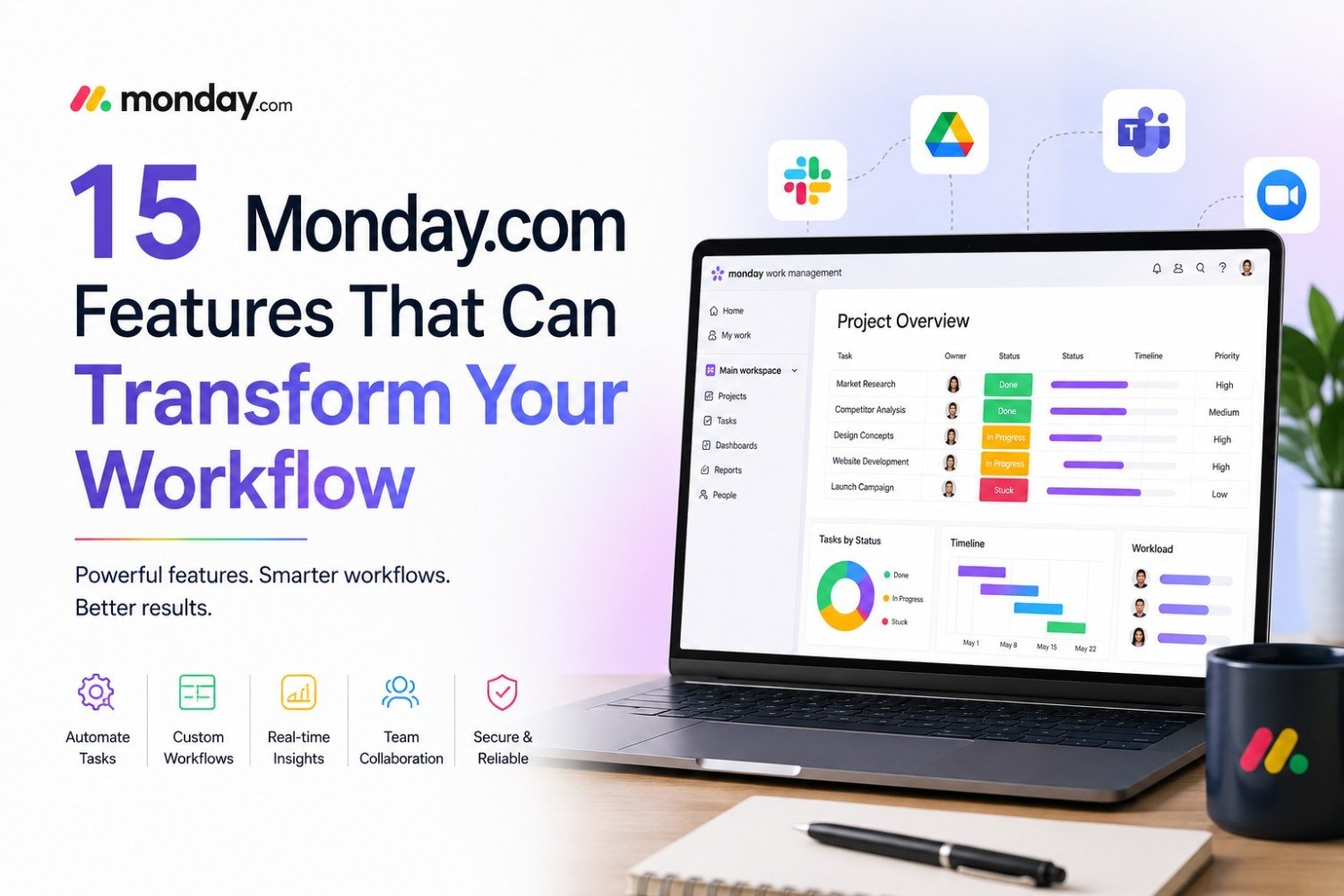
Managing projects today requires more than just assigning tasks and checking off to-do lists. Modern teams need a platform that helps them collaborate, automate repetitive work, visualize progress, and make data-driven decisions—all in one place. That’s exactly where Monday.com stands out.
Whether you’re managing a marketing campaign, software development project, sales pipeline, HR onboarding process, or company-wide operations, Monday.com offers a flexible Work Operating System (Work OS) that adapts to your team’s unique workflow.
In this guide, we’ll explore 15 powerful Monday.com features that can significantly improve productivity, reduce manual effort, and help your team stay organized.
What Is Monday.com?
Monday.com is a cloud-based Work Operating System (Work OS) designed to help businesses plan, track, and manage work efficiently. Unlike traditional project management tools that follow rigid structures, Monday.com allows teams to customize workflows according to their specific needs.
It is used by startups, small businesses, and Fortune 500 companies for project management, CRM, marketing campaigns, software development, HR processes, operations management, and much more.
Its biggest strength lies in combining customization, automation, collaboration, and reporting into one easy-to-use platform.
1. Fully Customizable Boards
At the heart of Monday.com are customizable boards.
Instead of forcing every business to follow the same workflow, Monday.com lets you create boards tailored to your processes.
You can build boards for:
- Project Management
- Marketing Campaigns
- Sales Pipelines
- Product Roadmaps
- Client Management
- Recruitment
- Event Planning
- Content Calendars
Every board can include custom columns like:
- Status
- Timeline
- Priority
- Budget
- Progress
- Numbers
- People
- Files
- Formula columns
This flexibility makes Monday.com suitable for virtually every industry.
2. Multiple Project Views
Not everyone likes looking at projects the same way.
Monday.com offers multiple visualization options so every team member can work in the format they prefer.
Available views include:
- Kanban Board
- Timeline View
- Calendar View
- Gantt Chart
- Workload View
- Chart View
- Map View
- Files View
For example:
Project managers may prefer Gantt Charts.
Marketing teams often use Calendar View.
Developers typically like Kanban Boards.
Executives can monitor progress through Dashboard charts.
3. Powerful Workflow Automation
One of Monday.com’s biggest time-saving features is workflow automation.
Instead of performing repetitive actions manually, you can create automation recipes such as:
- Notify team members when status changes
- Automatically assign tasks
- Send reminders before deadlines
- Move completed tasks
- Create recurring items
- Update timelines automatically
- Trigger approval workflows
For example:
“When task status changes to Complete → Notify Project Manager.”
These automations reduce human error while saving hours every week.
4. AI-Powered Productivity Tools
Monday.com has integrated AI capabilities to simplify daily work.
AI features can help with:
- Writing task descriptions
- Summarizing updates
- Generating project ideas
- Drafting emails
- Creating action items
- Organizing information
- Improving workflows
Instead of spending time creating repetitive documentation, teams can focus on meaningful work.
5. Ready-to-Use Templates
Creating workflows from scratch can be time-consuming.
Monday.com provides hundreds of professionally designed templates for different industries.
Popular templates include:
- Marketing Campaign Planner
- CRM Pipeline
- Product Launch
- Event Management
- Employee Onboarding
- Software Sprint Planning
- Content Calendar
- Sales Tracker
- Budget Planner
- Recruitment Workflow
Templates help teams get started in minutes.
6. Time Tracking
Understanding where your team’s time goes is essential for improving productivity.
Monday.com’s built-in Time Tracking feature allows employees to:
- Track hours worked
- Monitor billable hours
- Measure project duration
- Improve resource planning
- Generate productivity reports
This feature is especially useful for agencies, freelancers, consultants, and service businesses.
7. Dashboards for Real-Time Insights
Managers need visibility into project performance.
Monday.com dashboards combine information from multiple boards into one central location.
You can monitor:
- Project progress
- Team workload
- Budget tracking
- Completion rates
- Sales performance
- Marketing KPIs
- Resource allocation
Dashboards automatically update in real time, giving decision-makers accurate insights.
8. Seamless Third-Party Integrations
Most businesses already use multiple software tools.
Monday.com connects with hundreds of popular applications, including:
- Slack
- Microsoft Teams
- Zoom
- Google Drive
- Dropbox
- Gmail
- Outlook
- Jira
- GitHub
- HubSpot
- Salesforce
- Zapier
These integrations eliminate manual data entry and keep information synchronized across platforms.
9. Advanced Collaboration Features
Successful projects rely on effective communication.
Monday.com allows team members to collaborate directly within tasks.
Features include:
- Comments
- Mentions (@)
- File sharing
- Updates
- Activity logs
- Task discussions
Everything remains attached to the relevant task, reducing scattered conversations across multiple apps.
10. Smart Notifications
Missing deadlines can derail entire projects.
Monday.com keeps everyone informed with intelligent notifications.
Receive alerts for:
- New assignments
- Deadline reminders
- Status updates
- Approval requests
- Comments
- Mentions
- Completed tasks
Notifications are available across desktop, email, and mobile devices.
11. Resource & Workload Management
Balancing workloads is one of the biggest challenges for managers.
Monday.com’s Workload View helps visualize:
- Team capacity
- Assigned tasks
- Available resources
- Overloaded employees
- Underutilized staff
Managers can quickly redistribute work before deadlines are affected.
12. Built-In Document Management
Every project involves files and documentation.
Monday.com lets users upload and organize:
- PDFs
- Images
- Videos
- Contracts
- Excel files
- Presentations
- Project documents
Files stay linked to the appropriate tasks, making them easy to locate.
13. Mobile App for Work Anywhere
Modern teams aren’t always at their desks.
Monday.com’s mobile application allows users to:
- Update tasks
- Respond to comments
- Receive notifications
- Upload files
- Track progress
- Manage projects on the go
Whether working remotely or traveling, your projects remain accessible.
14. Enterprise-Level Security
Businesses handling sensitive information need strong security.
Monday.com offers enterprise-grade protections, including:
- Two-Factor Authentication (2FA)
- Single Sign-On (SSO)
- Role-based permissions
- Data encryption
- Audit logs
- GDPR compliance
- SOC 2 compliance
These features help organizations maintain security while supporting collaboration.
15. Powerful Reporting & Analytics
Data-driven decisions improve project outcomes.
Monday.com provides detailed reports that help analyze:
- Team productivity
- Project timelines
- Budget utilization
- Task completion rates
- Resource allocation
- Sales performance
- Customer pipelines
Managers can identify bottlenecks early and continuously optimize workflows.
Bonus: Why Businesses Love Monday.com
Organizations across industries choose Monday.com because it combines flexibility with ease of use.
Some of the biggest advantages include:
- Highly customizable workflows
- Clean and intuitive interface
- Fast implementation
- Excellent automation capabilities
- Strong collaboration tools
- Extensive integrations
- Scalable for businesses of all sizes
- Powerful dashboards and analytics
Whether you’re a solo entrepreneur or managing a global team, Monday.com can adapt to your workflow rather than forcing you to adapt to the software.
Tips to Get the Most Out of Monday.com
To maximize productivity, consider these best practices:
- Start with one workflow before expanding across departments.
- Use templates to reduce setup time.
- Automate repetitive tasks wherever possible.
- Build dashboards for executive visibility.
- Integrate Monday.com with your existing business tools.
- Regularly review reports to identify process improvements.
- Train your team on collaboration features to ensure consistent adoption.
These strategies can help your organization unlock the platform’s full potential.
Final Thoughts
Monday.com has evolved far beyond a simple project management tool. Its combination of customizable boards, intelligent automation, real-time dashboards, collaboration features, AI-powered assistance, and extensive integrations makes it a comprehensive Work Operating System for modern businesses.
Whether you’re coordinating marketing campaigns, tracking software development, managing client relationships, or streamlining internal operations, these 15 powerful Monday.com features can dramatically improve efficiency, reduce manual work, and enhance team collaboration.
If your goal is to build smarter workflows, increase transparency, and keep projects moving without unnecessary complexity, Monday.com is one of the most versatile and scalable solutions available in 2026.